To add an Attachment to a Meeting, select the Select Attachment Button  .
.

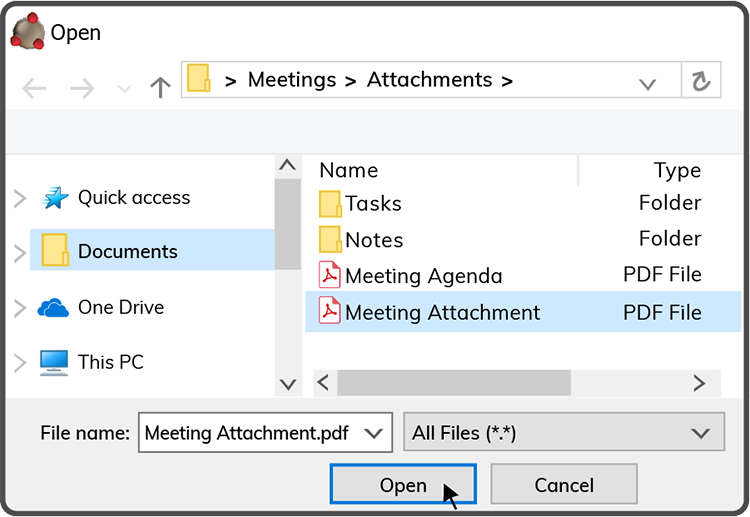
Browse to and select the file on your device, then select the Open Button  .
.
Then select the Save Attachment Button  .
.
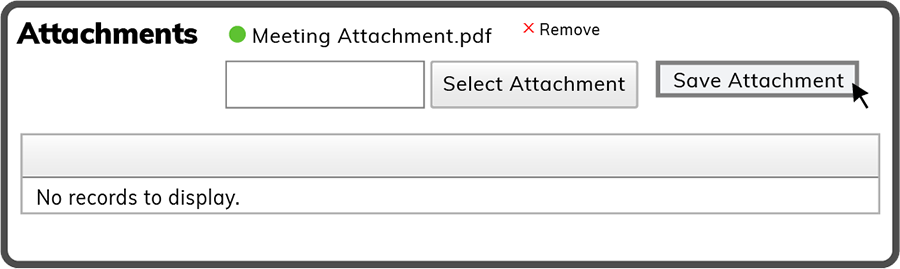
Note: To delete an attachment before saving it to the Meeting, select the  button.
To open an attachment, select it by the file name.
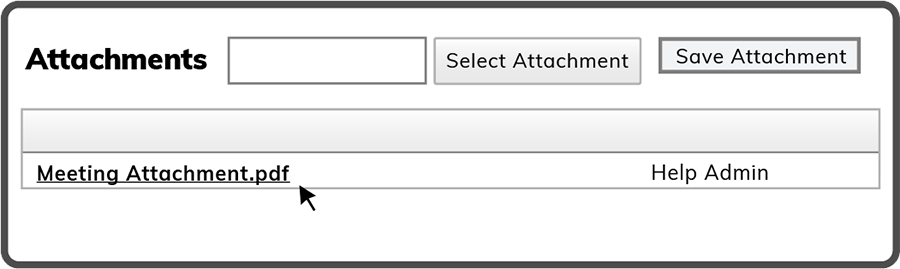
Note: To add additional attachments, repeat the steps above.
 Related Topics