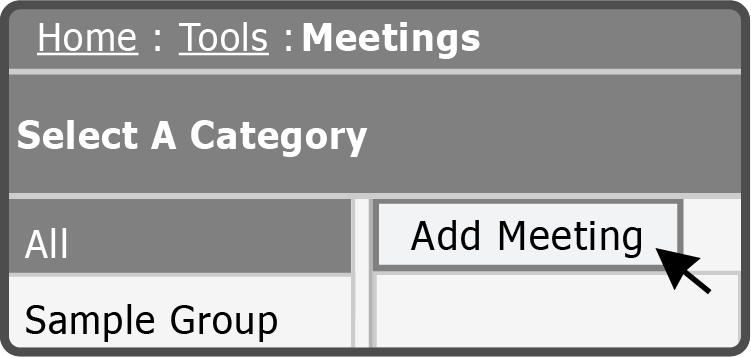
To add a new Meeting, select the Add Meeting Button  at the top of the Meeting list.
Fill out the fields below and then select the Create Button  .
.
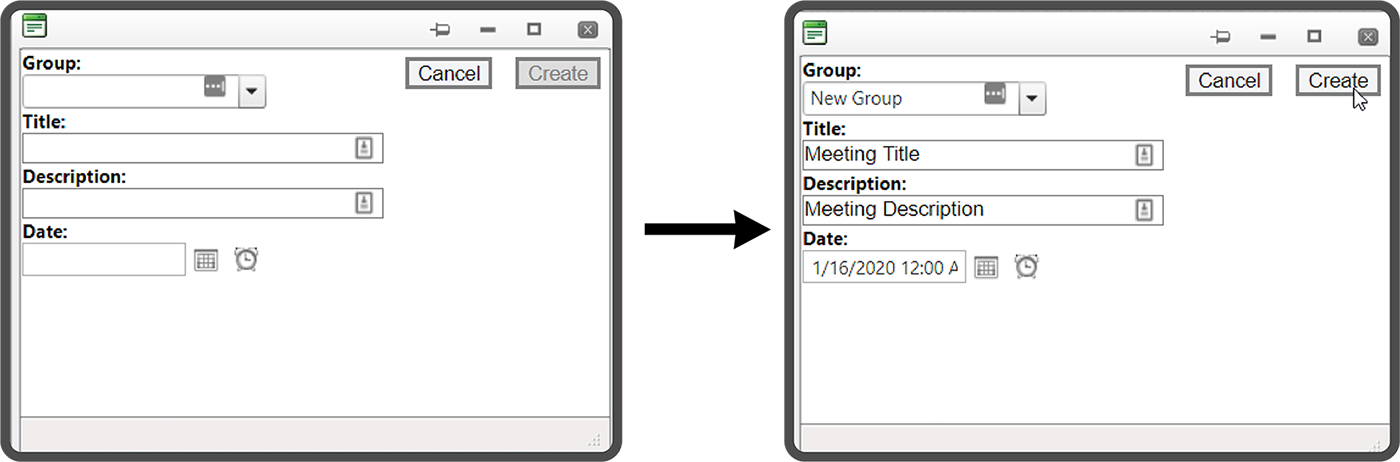
| field | description |
|---|---|
| Group | The Meeting category |
| Title | Title of the Meeting |
| Description | Description of the Meeting |
| Date | The date and time of the Meeting |
Note: The Create Button is not available until all fields have information entered.
Tip: Selecting the Calendar icon or Clock icon allows you to select the date and time of your Meeting. You can enter the date in manually if preferred.
 Related Topics