To edit the info for a Meeting, go to Meetings and select the Meeting you want to edit. If you aren't sure how to get to this point, go to Accessing Meetings.
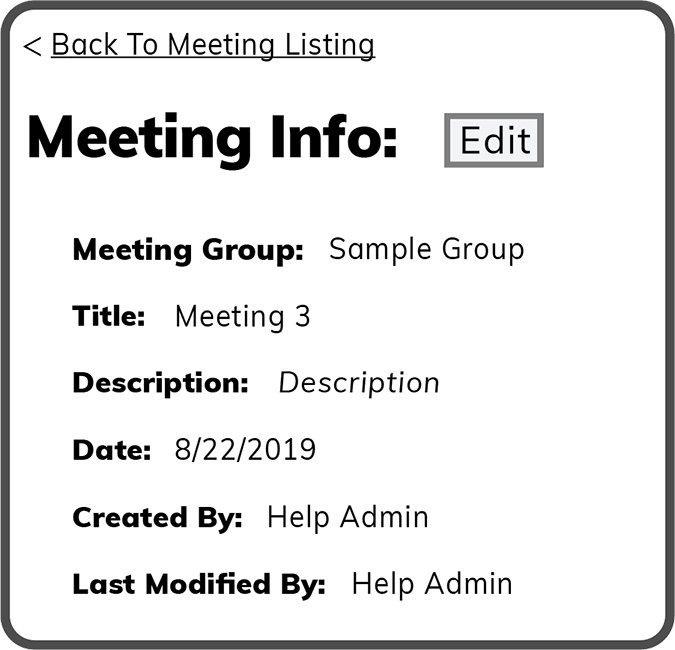
After selecting the Meeting you want to edit, the screen below opens. Select the Edit Button  to the right of Meeting Info.
 Related Topics