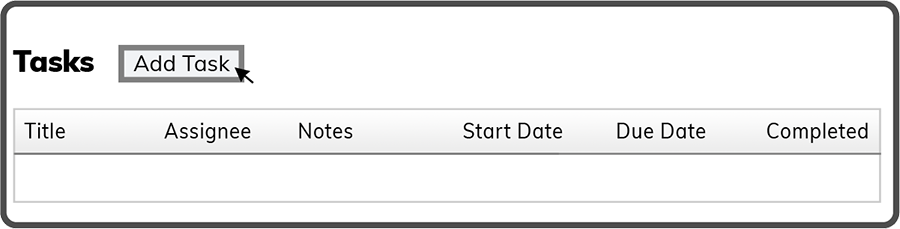
To add a Meeting Task select the Add Task Button  .
.
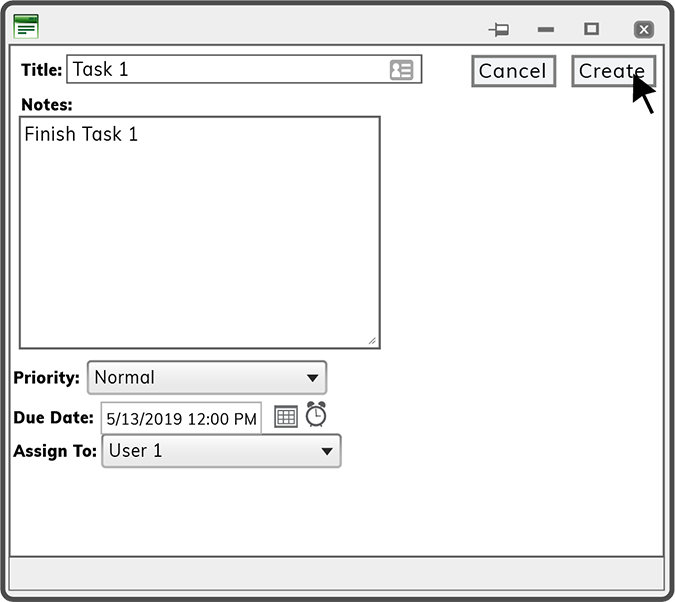
Enter a Title, add Notes, select a Priority, Due Date, and select an Assignee from the drop down. Then select the Create Button  to finish adding the Meeting Task.
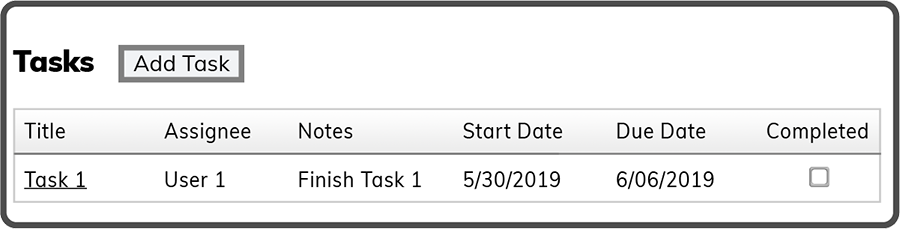
The Task List now refreshes and shows the new task.
Tip: You can enter the date and time manually or by selecting the calender and clock icons.
Note: The Create Button  will be unavailable (grayed out) until all the fields have been filled out. Then you can select it
  .
.
 Related Topics