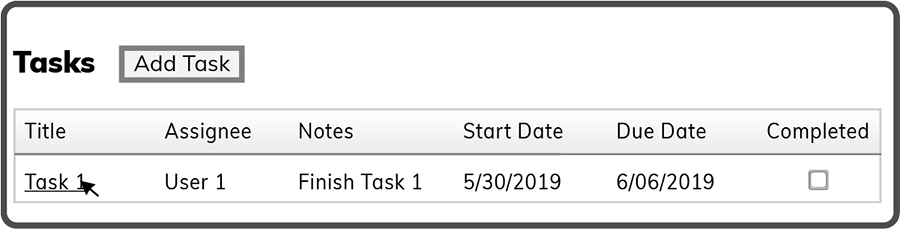
To edit a Meeting Task select the Task by its Title.
Update any or all of the fields (Title, Notes, Priority, Date/Time, Assignee) and select the Save Button  .
.
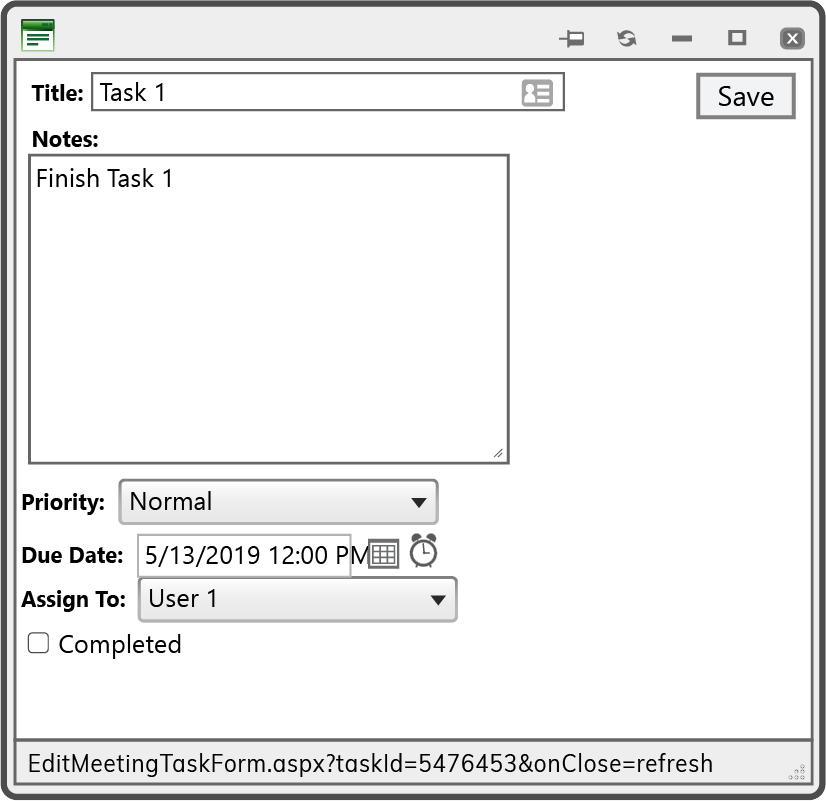
Tip: You can enter the date and time manually or by selecting the calender and clock icons.
 Related Topics