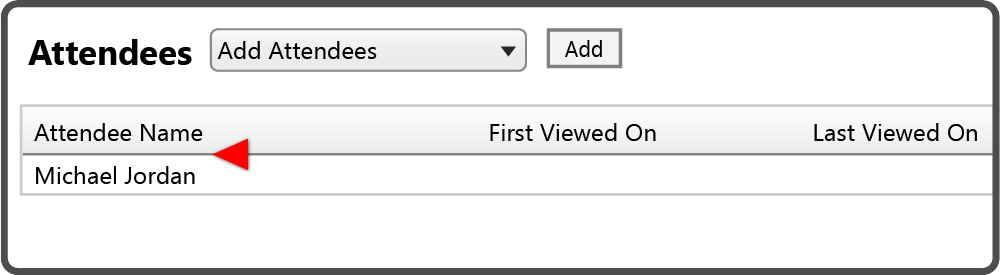
To add Attendees to your Meeting select the Attendees drop down box, select the name of the Attendee, and then select the Add Button  .
.

The Attendee name is now displayed under the Attendee Name column.
Repeat this process until all the Meeting attendees have been added.
 Related Topics