Delete PSI Items
To delete an Item from the PSI Library, select the Delete Icon  to the right of the Item.
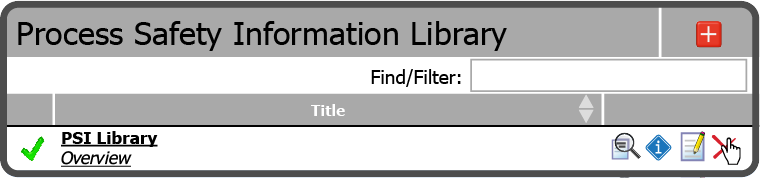
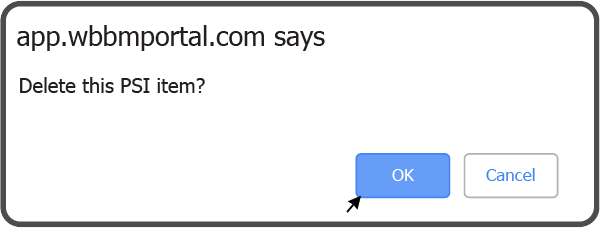
Select the OK Button  to confirm you want to delete the PSI Item.
The deleted Item has been removed from your PSI Library.
 Related Topics