Depending on which type of PSI Document you choose, you have different options.
Online Editor
If you choose Use Online Editor  select the new item by its Title.
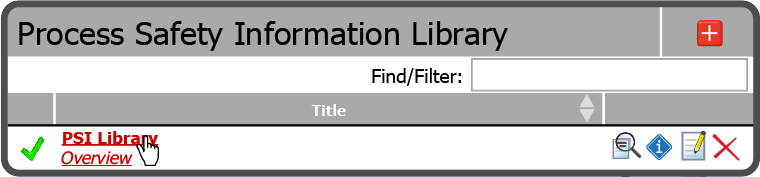
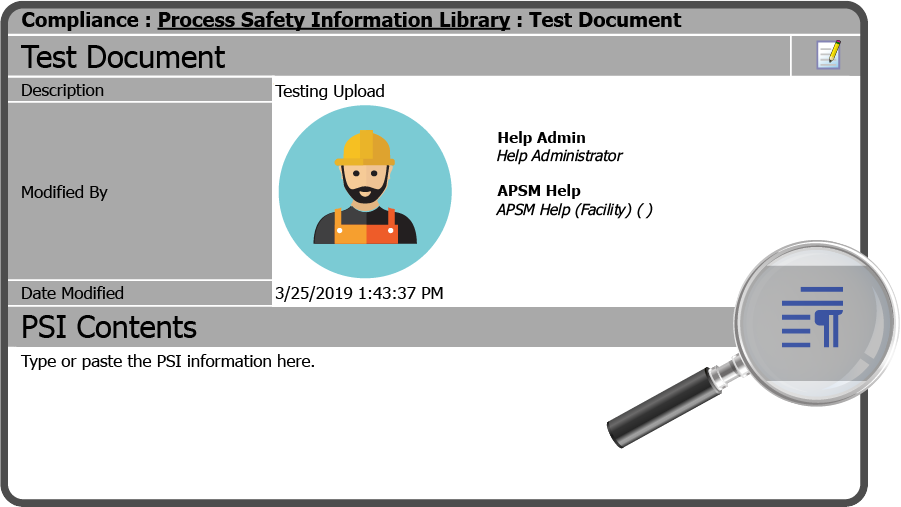
This will open an overview of the new item. To access the Online Editor, select the Edit Icon  to the right of PSI Contents.
This opens the Online Editor. You can enter the PSI information here or Copy/Paste it from another source.
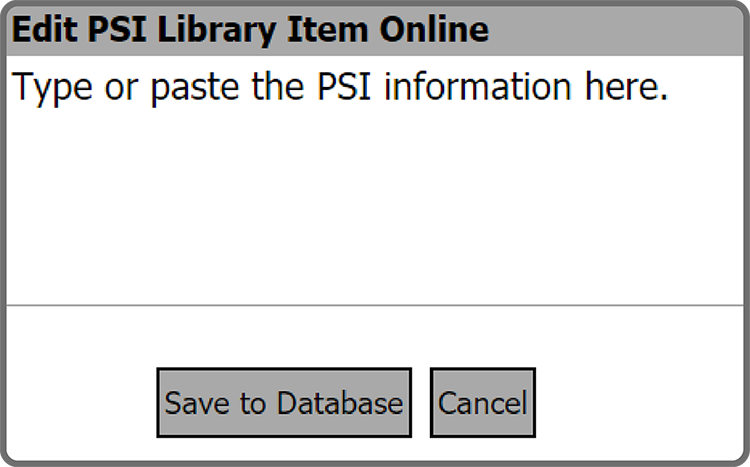
After you have entered the PSI information select Save to Database Button  .a
.a
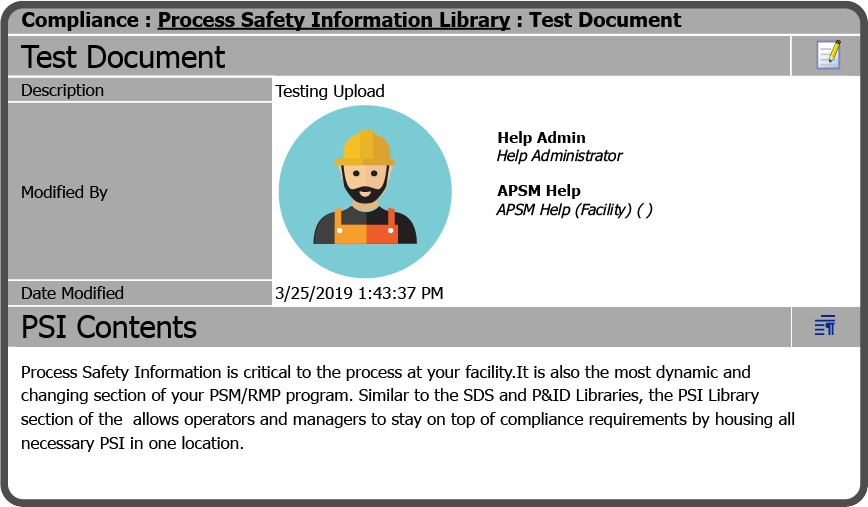
The PSI Contents page refreshes and displays the content that you added.
Upload New Document
If Upload New Document  was selected, select the Choose File Button
  .
.
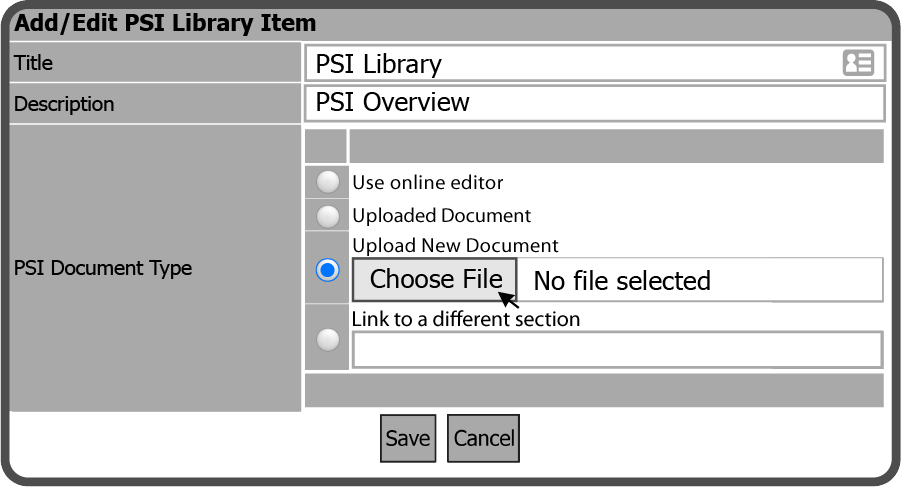
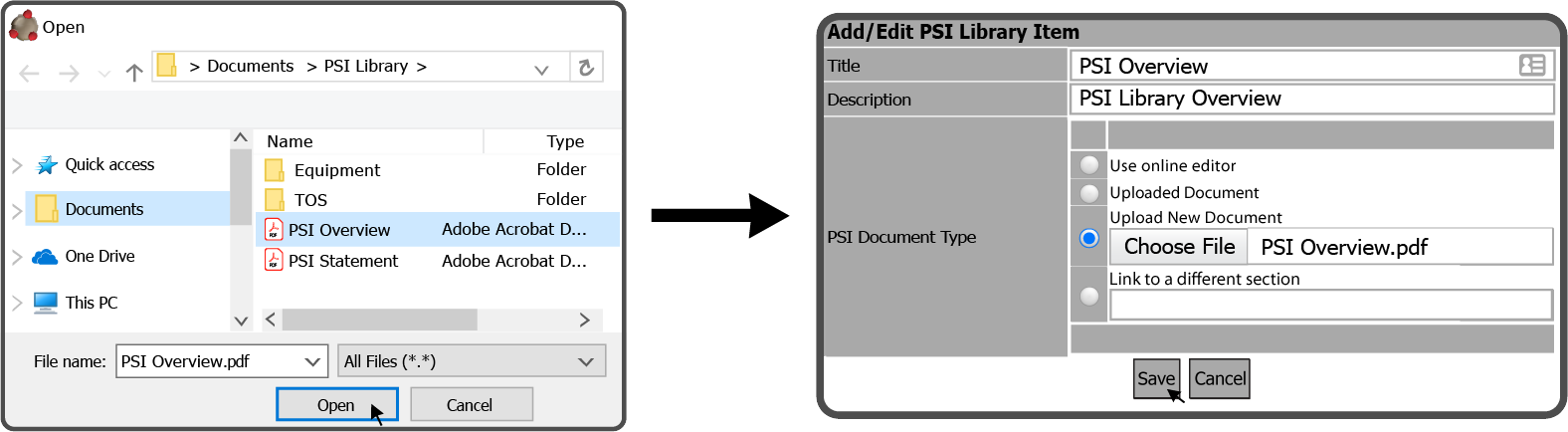
Browse to the document on your device, select it and select the Open Button  , then select the Save Button
  .
.
Your item is now uploaded and a green checkmark  will display on the far left.
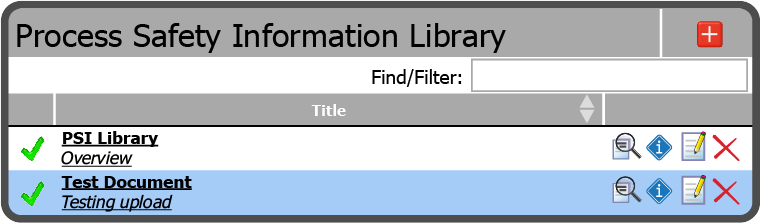
Uploaded Document
To re-use an uploaded document that has been changed to either Use Online Editor or Link to a Different Section, just re-select the Uploaded Document  option and the document will be restored.
 Related Topics