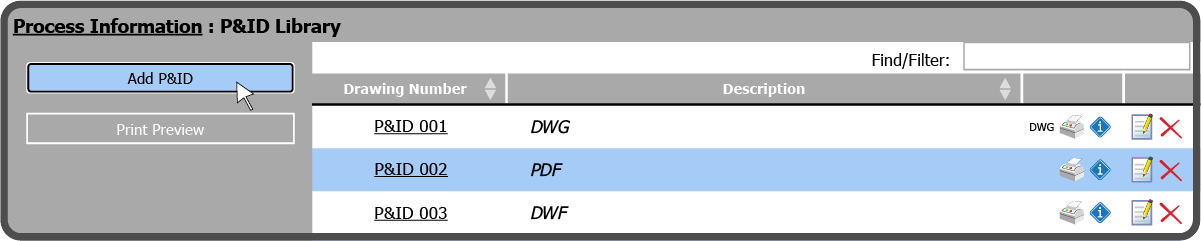
To upload P&IDs within the P&ID Library, select the Add P&ID Button  on the left.
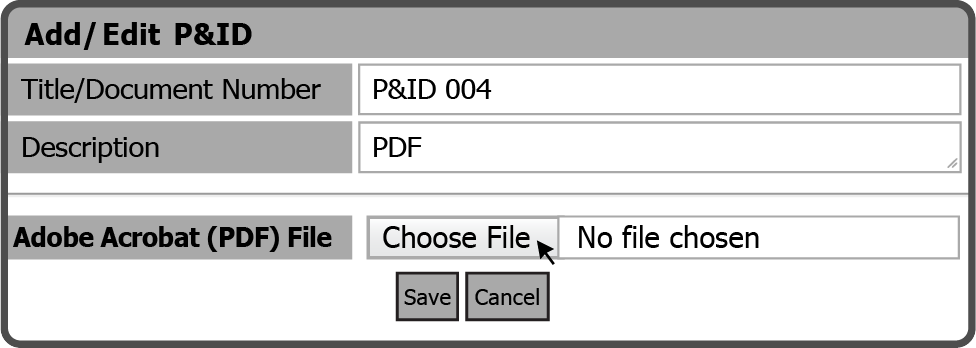
This opens the Add/Edit P&ID window. Add a Title/Document Number, Description, select the type of P&ID file you are going to upload, and then select the corresponding Choose File Button  .
.
After selecting the Choose File Button browse to the file on your device, select it, and select the Open Button  .
.
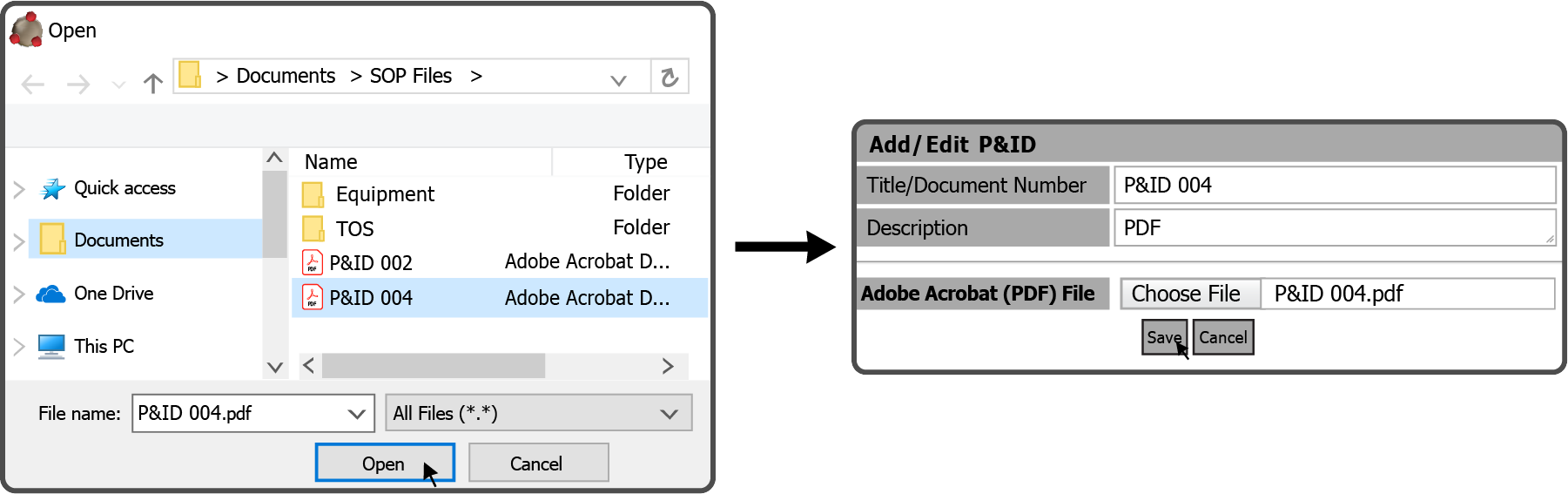
After selecting the file, select the Save Button  to upload the P&ID.
 Related Topics