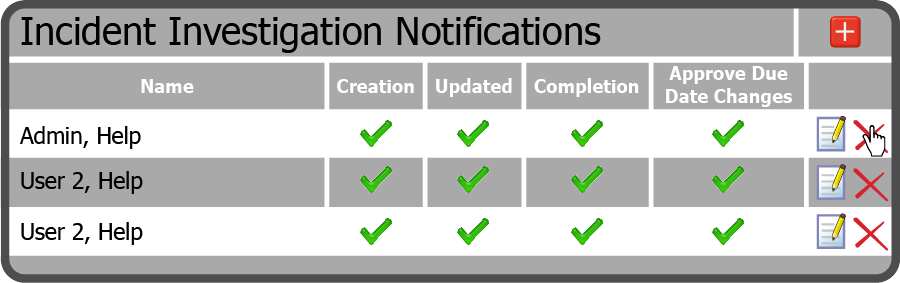
To delete a User in the  located to the far right of the User you want to delete.
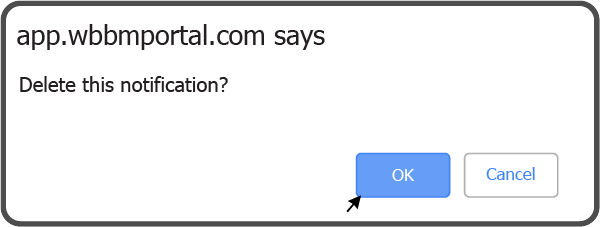
Confirm you want to delete the User by selecting the OK Button  .
.
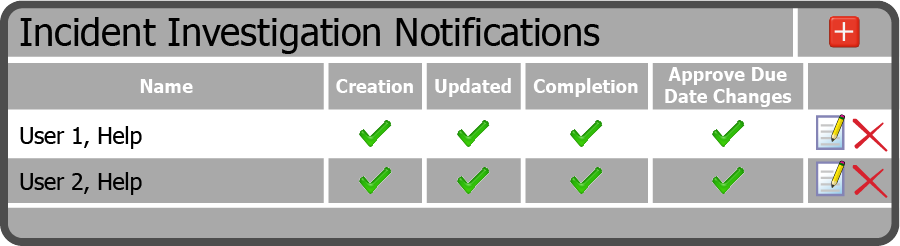
The User is now removed from the Notifications.
 Related Topics