The Incident Investigation system uses Notifications located to the far right of the Online Incident Investigations header.
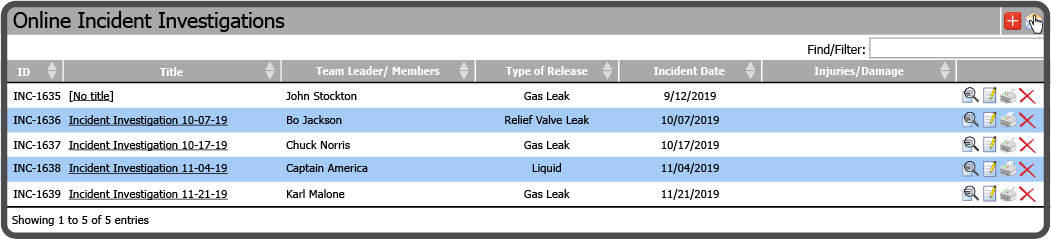
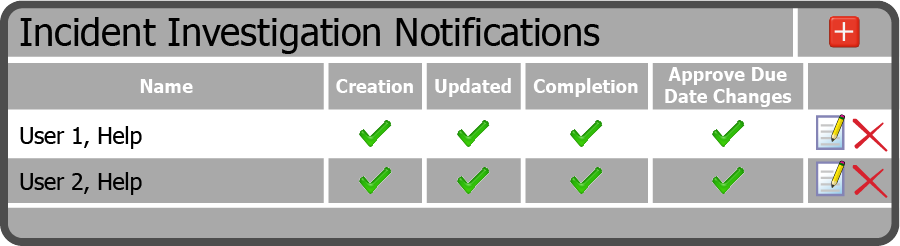
This opens the Incident Investigation Notifications Grid.
| field | description |
|---|---|
| Name | The name of the person to notify |
| Creation | To notify the person when an Incident Investigation is created |
| Updated | To notify the person when an Incident Investigation is updated |
| Completion | To notify the person when an Incident Investigation is completed |
| Approve Due Date Changes | To notify and allow the person to Approve or Deny Incident Investigation Recommendation Due Date change requests |
 Related Topics