To add a User to get Incident Investigation  located to the far right of the Incident Investigations Notifications header.
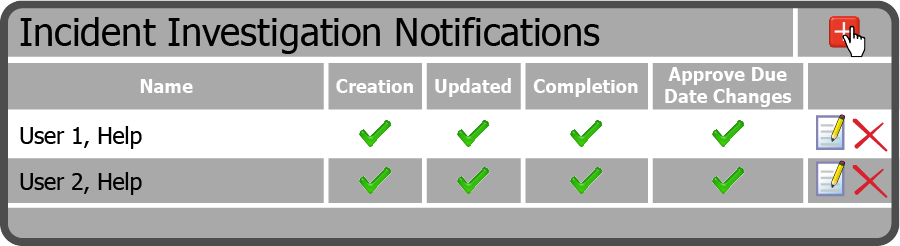
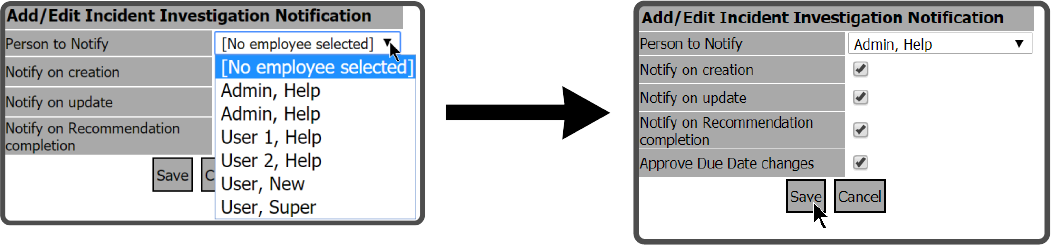
This will open the Add/Edit Incident Investigations Notification window. Select a User, select the Notifications you want them to receive, and select the Save Button  .
.
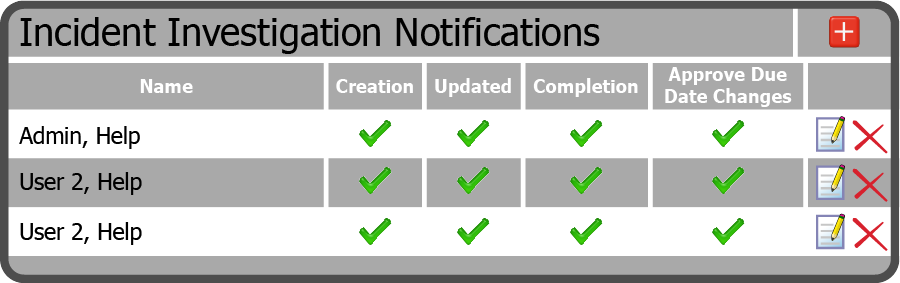
The User is now displayed in the Incident Investigation Notifications Grid.
 Related Topics