To change the Status of a  to the far right of the Guideword.

Select the down arrow in the Status Field and choose a Status for the Guideword. After choosing a Status, select the Save Button  .
.
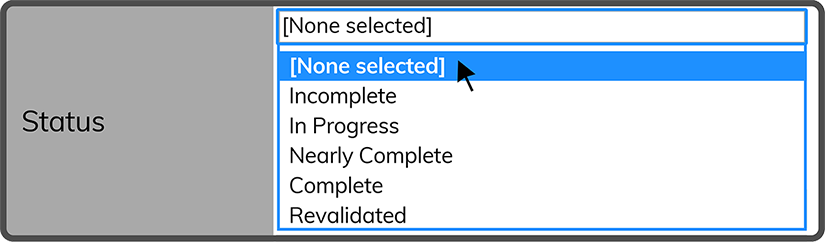
Tip: If you change the Guideword Status to Completed or Revalidated the Date Completed will be added and the Guideword will be closed out.
 Related Topics