To add a  to the right of the HAZOP Title.
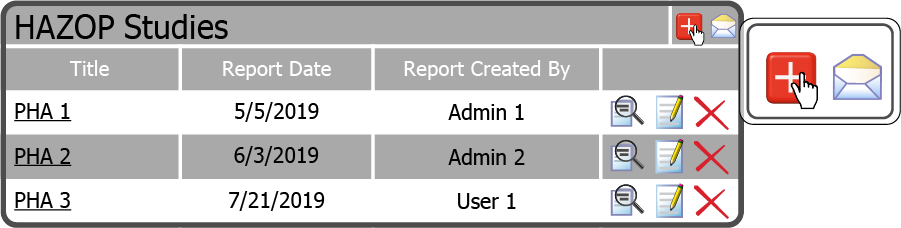
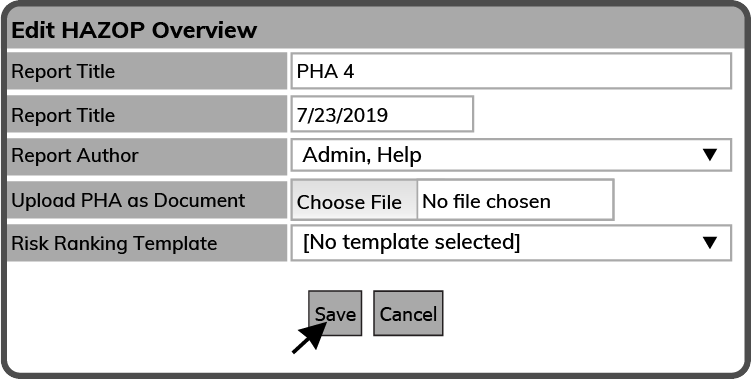
This will open the Edit HAZOP Overview window. Give the PHA a Report Title, a Report Date, and choose a Report Author. If you want to create the PHA online skip the Choose File Button  . Otherwise, select the Choose File Button browse to the PHA on your device. Select it and select the Open Button
  . Then choose a Risk Ranking Template and select the Save Button
  .
.
 Related Topics