To complete an Implementation Schedule Item, select the Edit Icon  to the right of the Item.

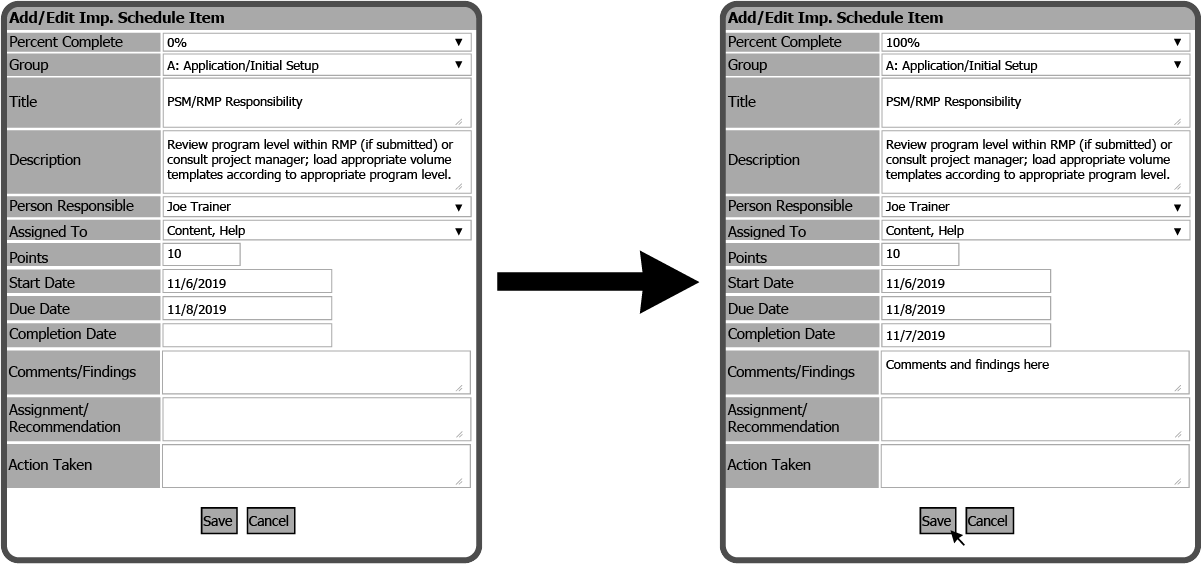
This will open the Add/Edit Imp. Schedule Item window. Select 100% in the Percent Completed field, enter a date in the Date Completed field, and enter the Action Taken to complete the Item. Then select the Save Button  .
.
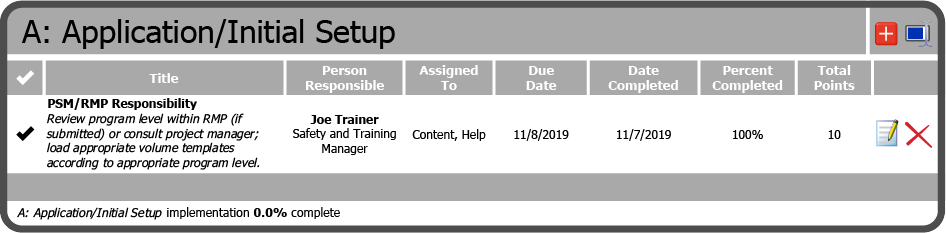
The Implementation Schedule Item is now complete.
 Related Topics