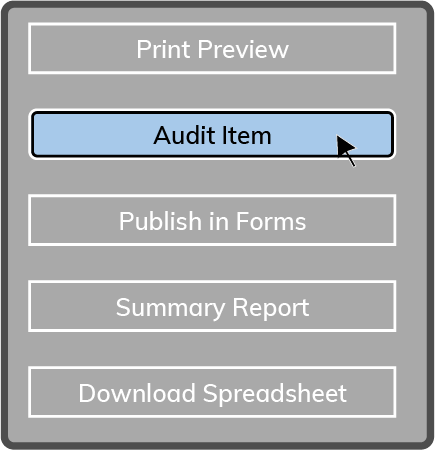
There are two ways to add Items to an Implementation Schedule. The first way is to select the Add Item Button  on the left side of the page.
The second way is to select the Add Icon  to the right of the Group Title.

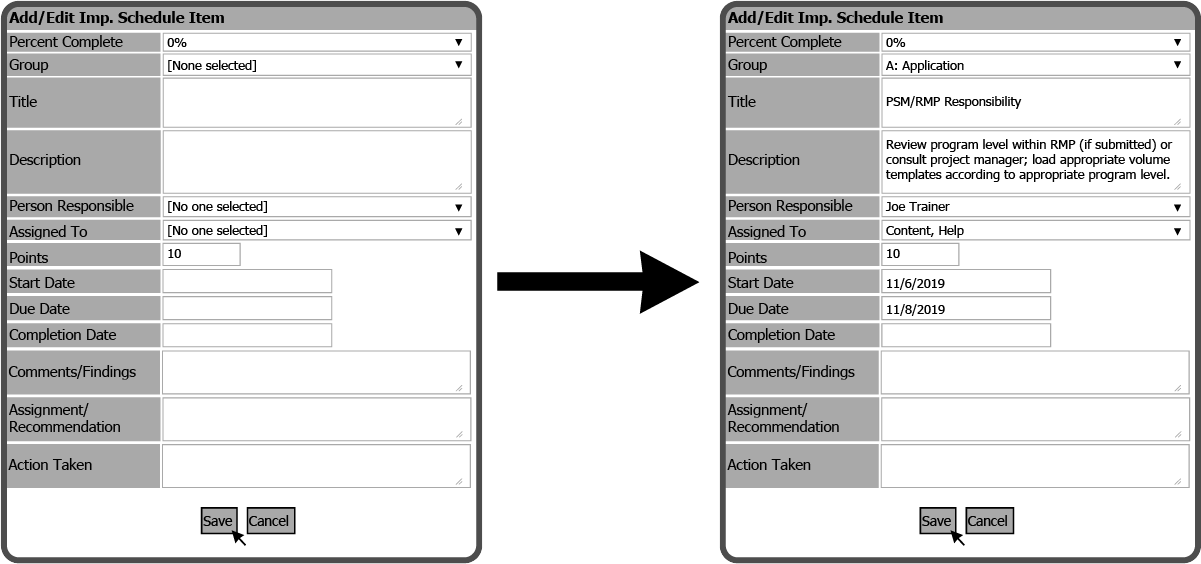
Both options will open the Add/Edit Imp. Schedule Item window. Fill out the needed information and select the Save Button  .
.
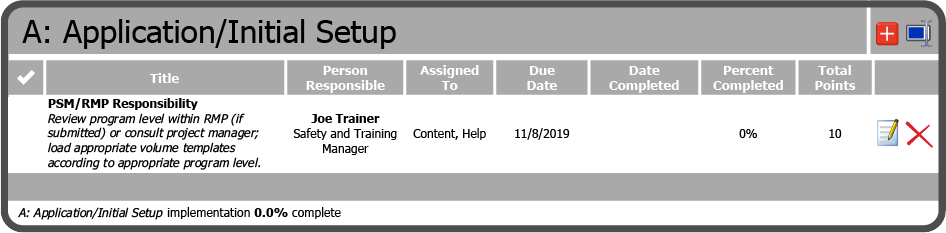
The Item has been added to the Implementation Schedule.
 Related Topics