To delete Project Permissions, select the Edit Permissions Icon  to the right of the Project.
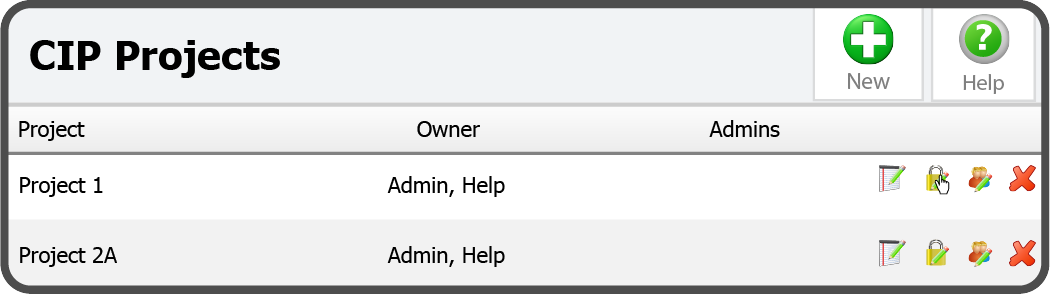
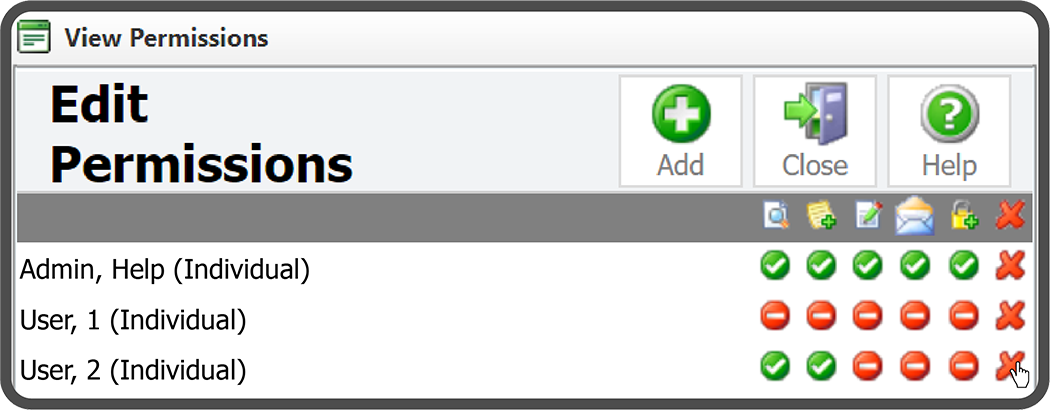
This will open the Edit Permissions window. Select the Delete Icon  to the right of the Permissions you want to delete.
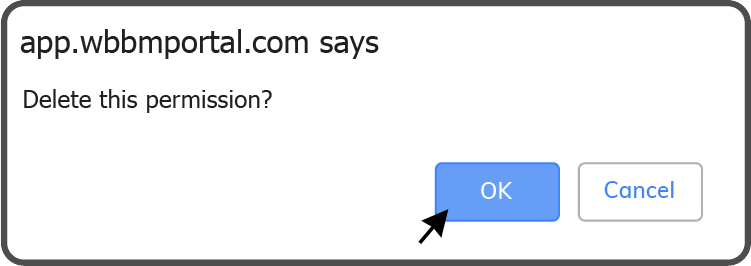
Confirm you want to delete the Permissions by selecting the OK Button  .
.
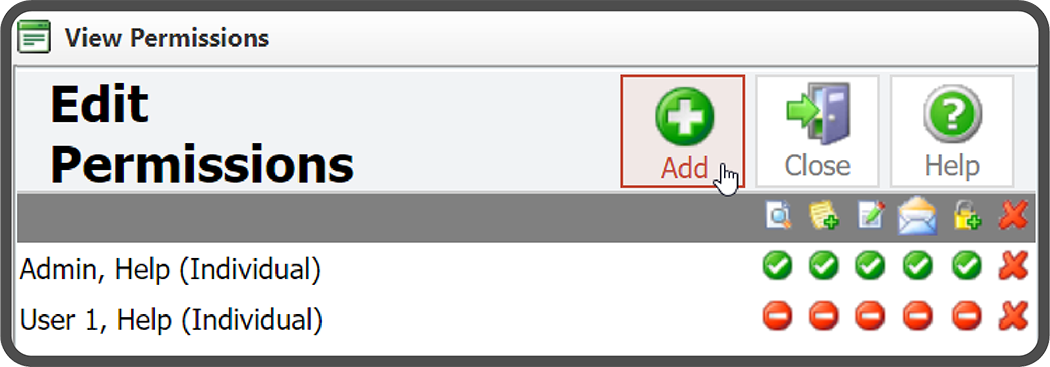
The Project Permissions have been deleted.
Warning: This action cannot be undone.
 Related Topics