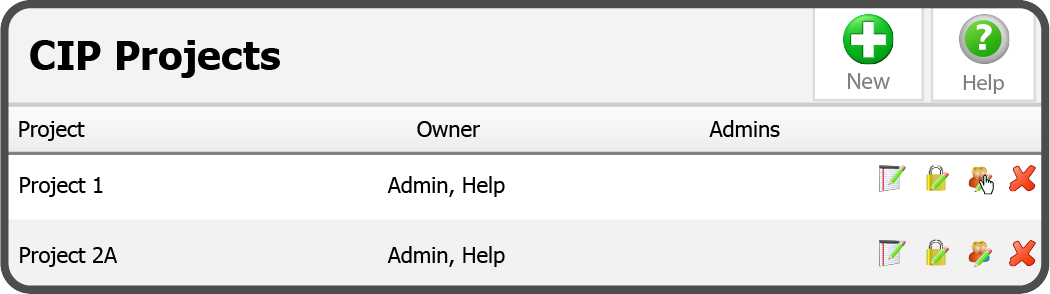
To add a CIP Project Administrator, select the Edit Administrators Icon  to the right of the Project.
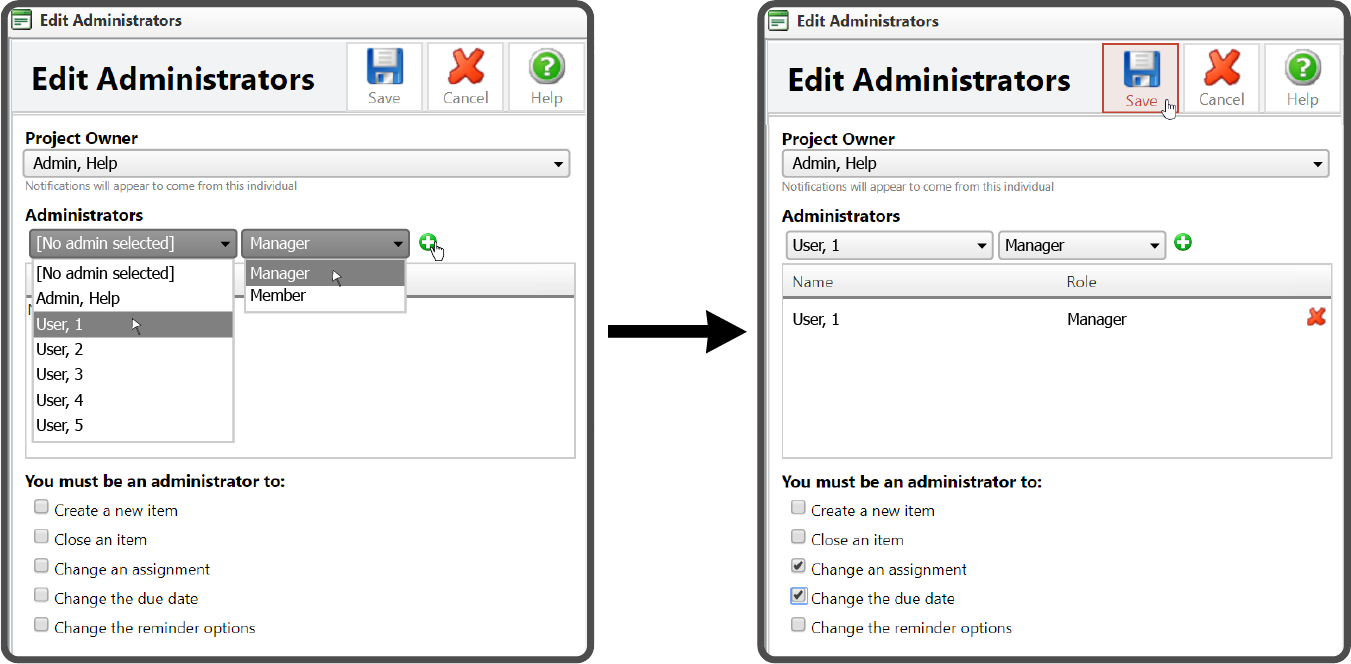
This will open the Edit Administrators window. Select an Administrator, select whether they are a Manager or Member, and select the Add Button  . Then select which options require an Administrator and select the Save Icon
  .
.
| Option | description |
|---|---|
| Create a new Item | If selected, you must be an admin to add a new item |
| Close an Item | If selected, you must be an admin to close an item |
| Change an assignment | If selected, you must be an admin to change an assignment |
| Change the due date | If selected, you must be an admin to change the due date |
| Change the reminder options | If selected, you must be an admin to change the reminder options |
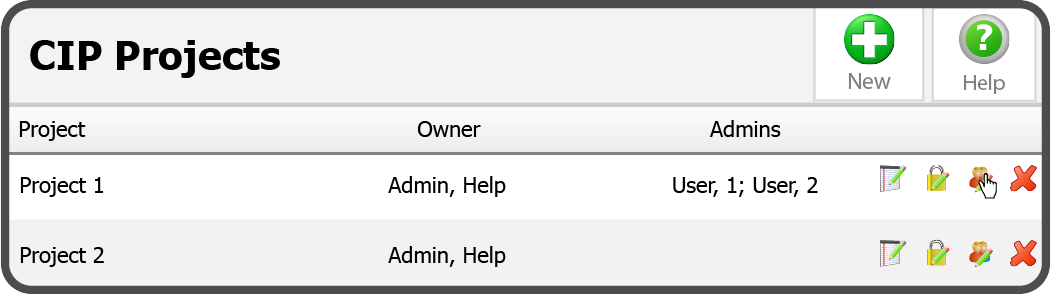
The Administrator has been added.
 Related Topics