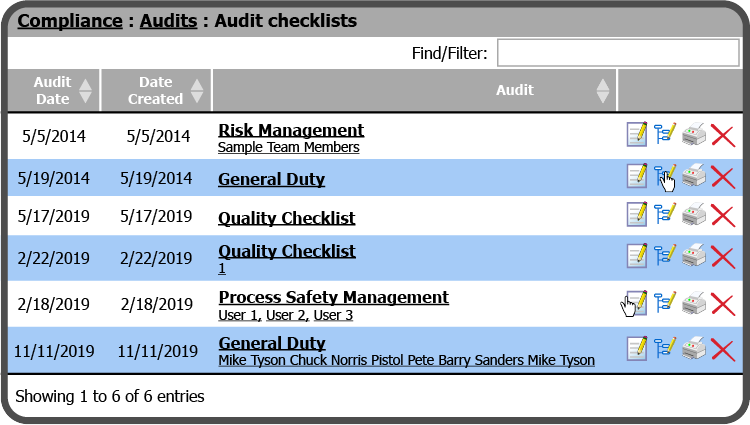
The Recommendation Summary lists all Recommendations found during an Audit. The Recommendations can be assigned and given due dates. To access a Recommendation Summary, select the Summary Icon  to the right of the Audit Checklist.
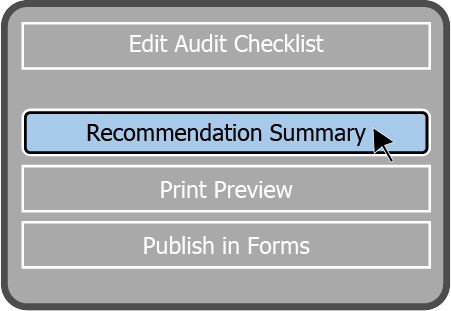
You can also view a Recommendation Summary from within an Audit Checklist by selecting the Recommendation Summary Button  on the left side of the page.
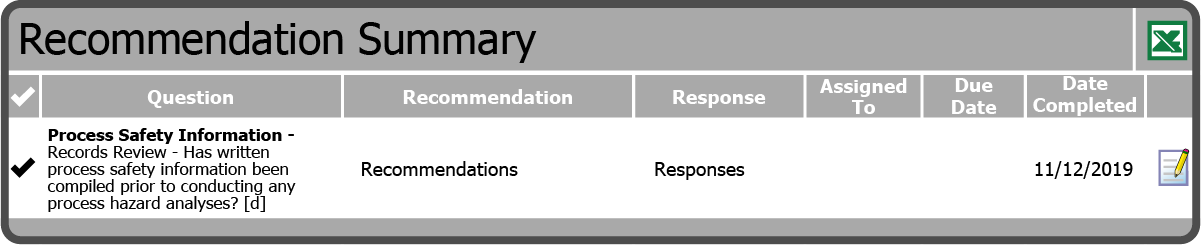
This will open the Recommendation Summary page. From here you can view whether Recommendations have been assigned and/or completed. You can also assign Recommendations from here, as well as export the Summary to Excel.
 Related Topics