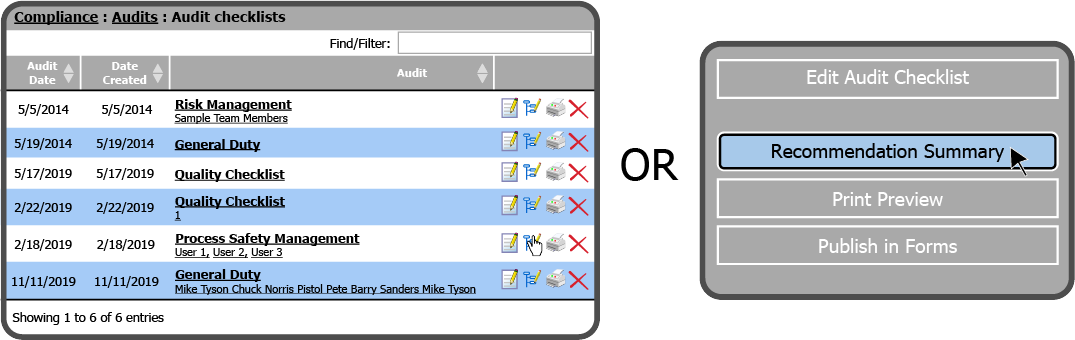
To assign an Audit Checklist Question Recommendation, select either the Summary Icon  (to the right of the Audit Checklist) or the Recommendation Summary Button
  (from within the Audit Checklist).
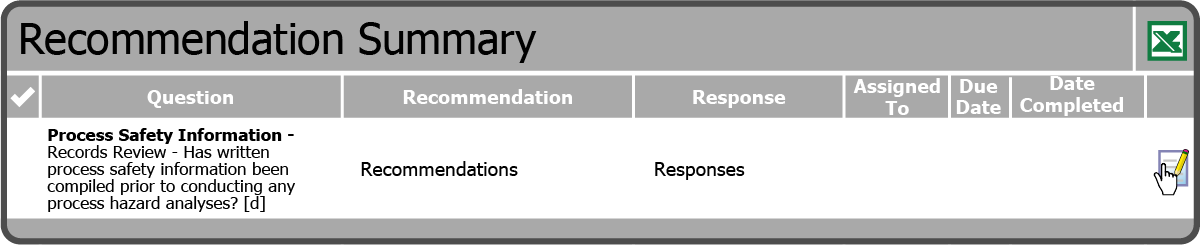
This will open the Recommendation Summary page. Select the Edit Icon  to the right of the Question.
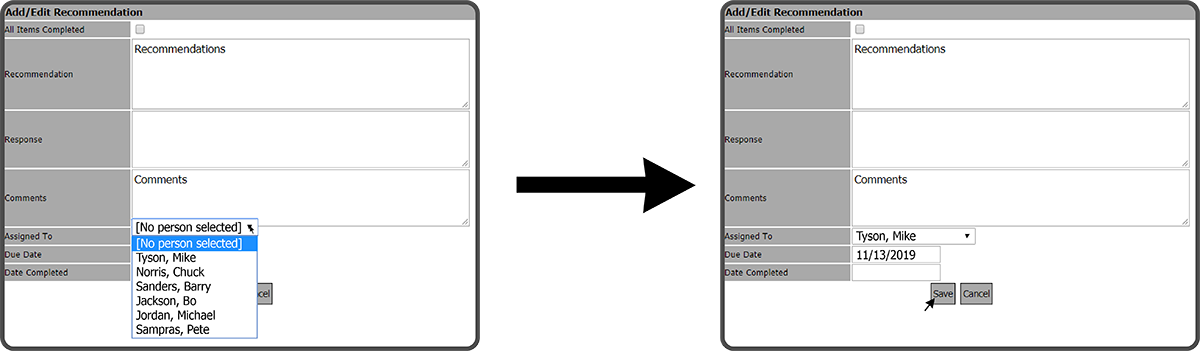
This will open the Add/Edit Recommendation window. Select an Assigned To person, a Due Date, and select the Save Button  .
.
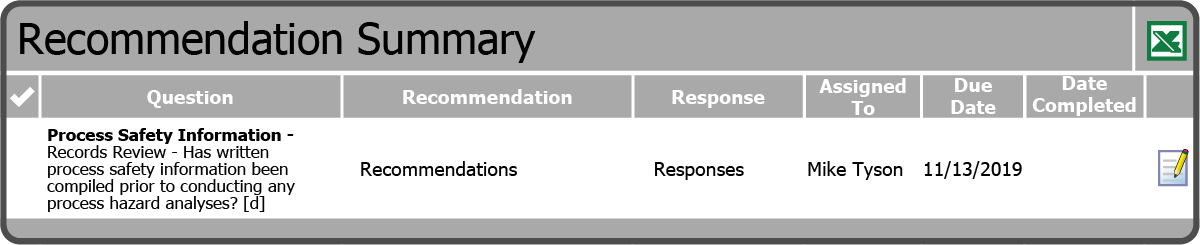
The Question Recommendation has been assigned.
 Related Topics