Delete What-If/Checklist Due Date Change Approval Notifications
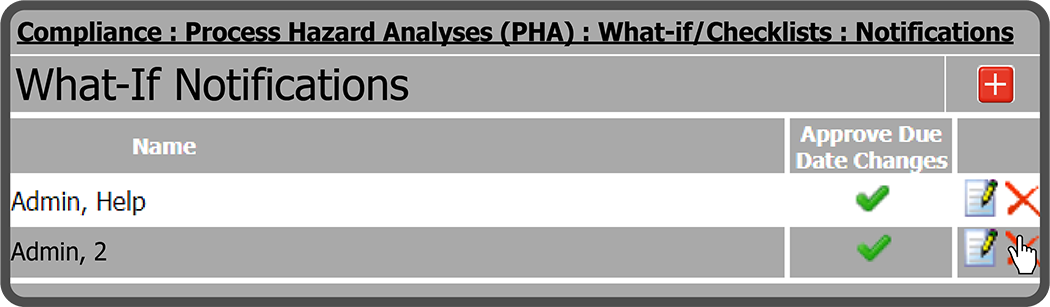
To delete a What-If Due Date Change Approval Notification, select the Delete Notification Icon  to the right of the What-If Notification you want to remove.
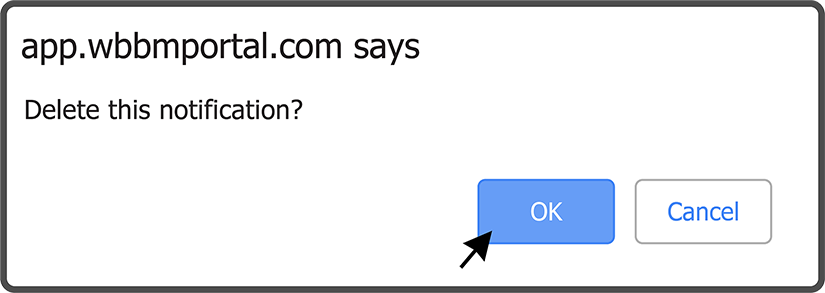
Select the OK Button  to confirm you want to delete the What-If Notification.
The What-If Notification has been deleted.

Warning: This action cannot be undone.
 Related Topics