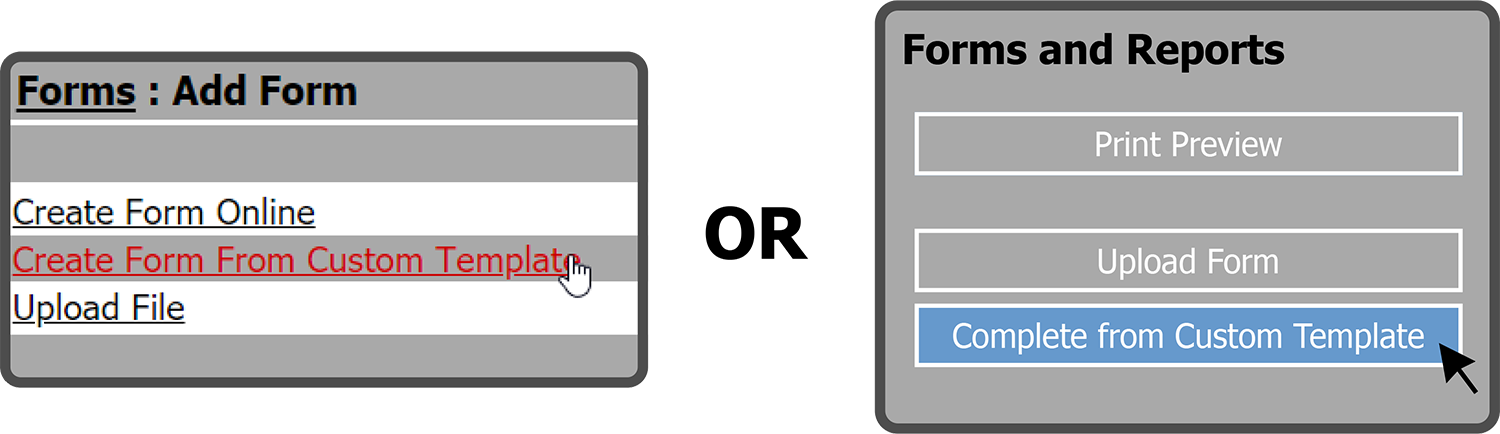
There are two ways to use a Custom Template (if you've set up Custom Templates).
One way is to select Documents, then Add Documents, and then select Create Form From Custom Template. The other way is to select Documents, then View Documents, then select the Complete From Custom Template Button  on the left of the page.
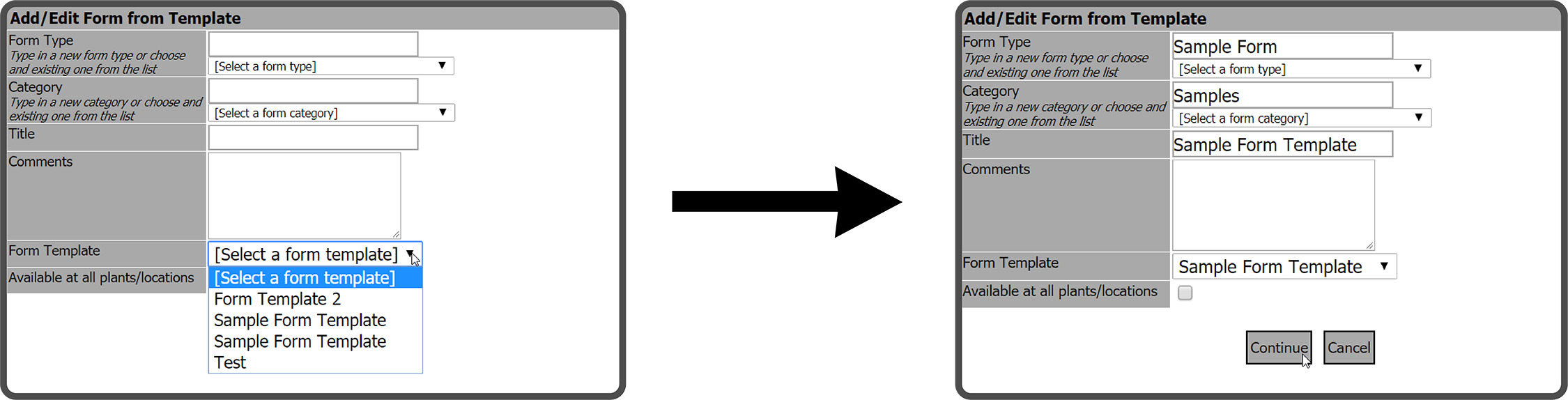
Both will open the Add/Edit Form from Template window. Enter a Form Type (folder), Category (sub-folder), Title, Comments, and select a Form Template. Then select the Continue Button  .
.
This opens the Custom Form Template. Fill out the Form and select the Save Button  .
.
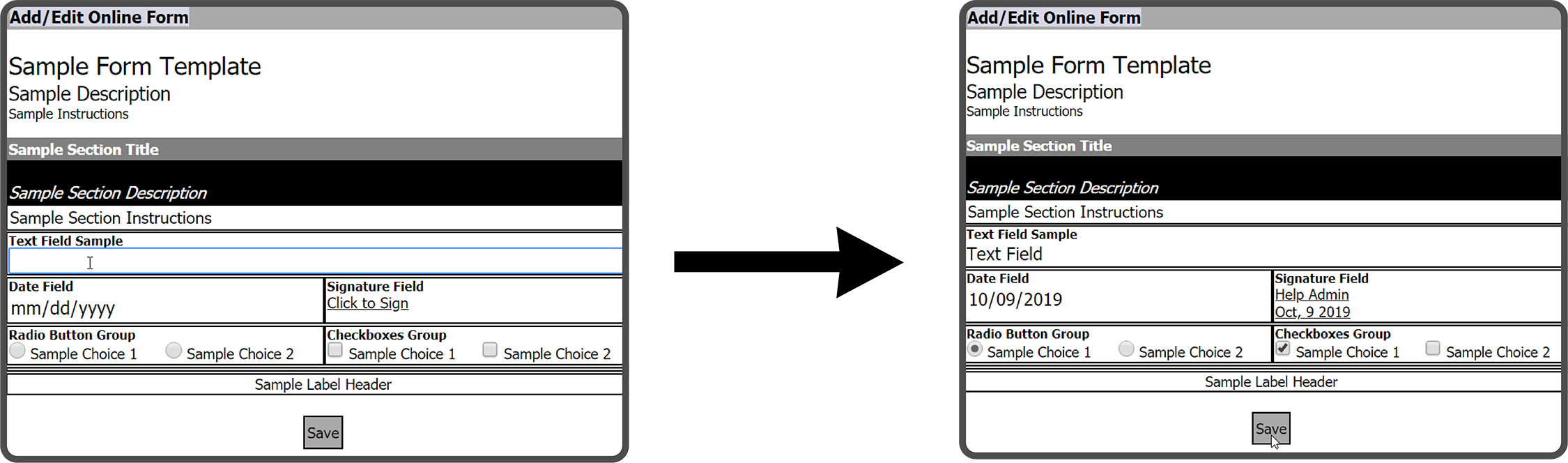
The Form is now in the designated sub-folder.

 Related Topics