In the Documents section you can make files available to all Plants/Locations. To do this, select the Edit Icon  to the right of the file you want to make this change to.

This will open the Add/Edit Form window. Select the Available at all Plants/Locations box and then select the Save Button  .
.
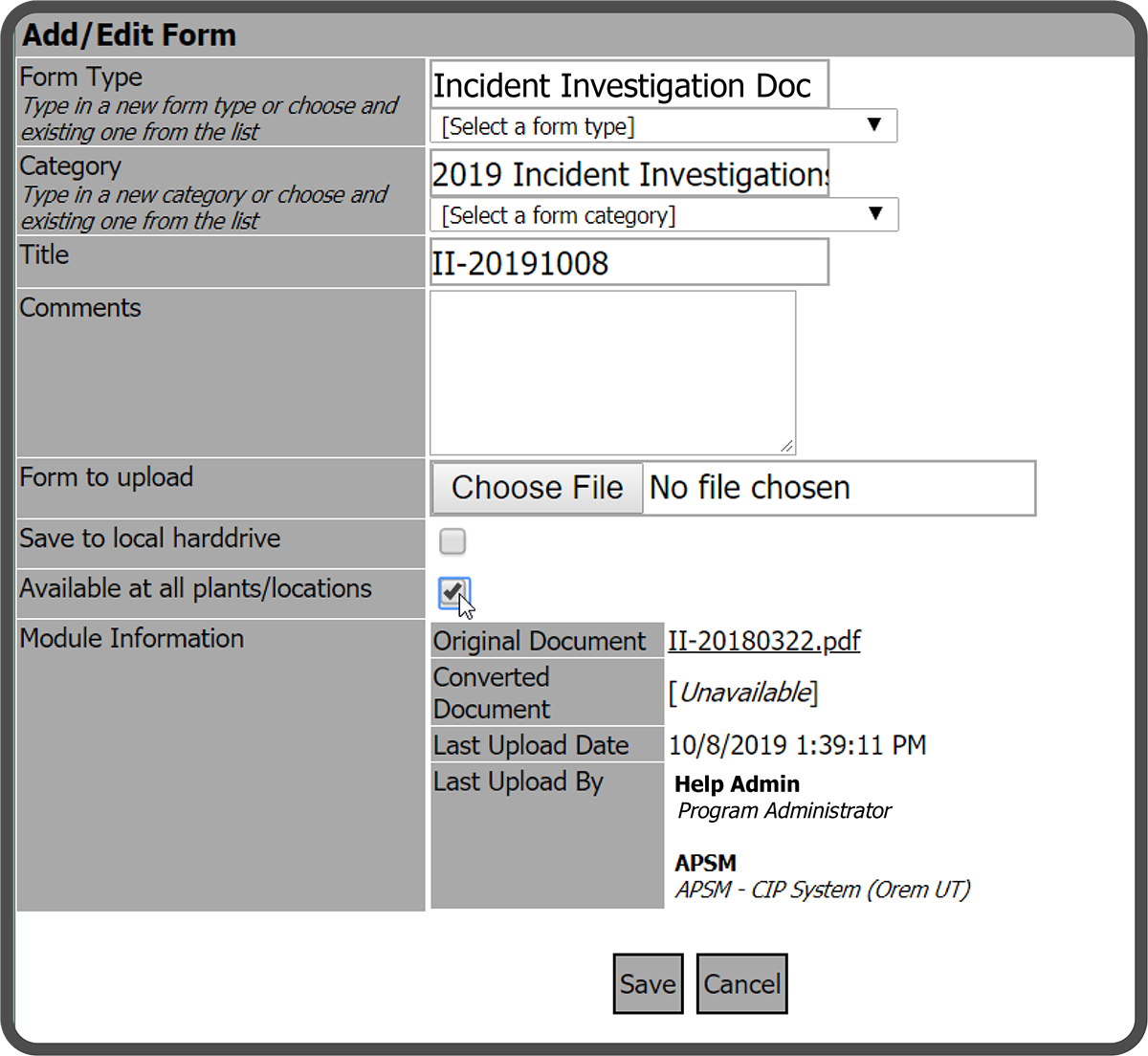
The document is now available at all Plants/Locations within a Company/Site.
 Related Topics