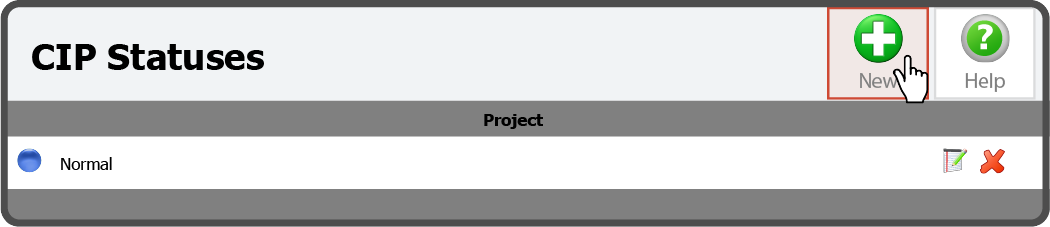
To add a Status, select the New Button  to the right of the CIP Statuses header.
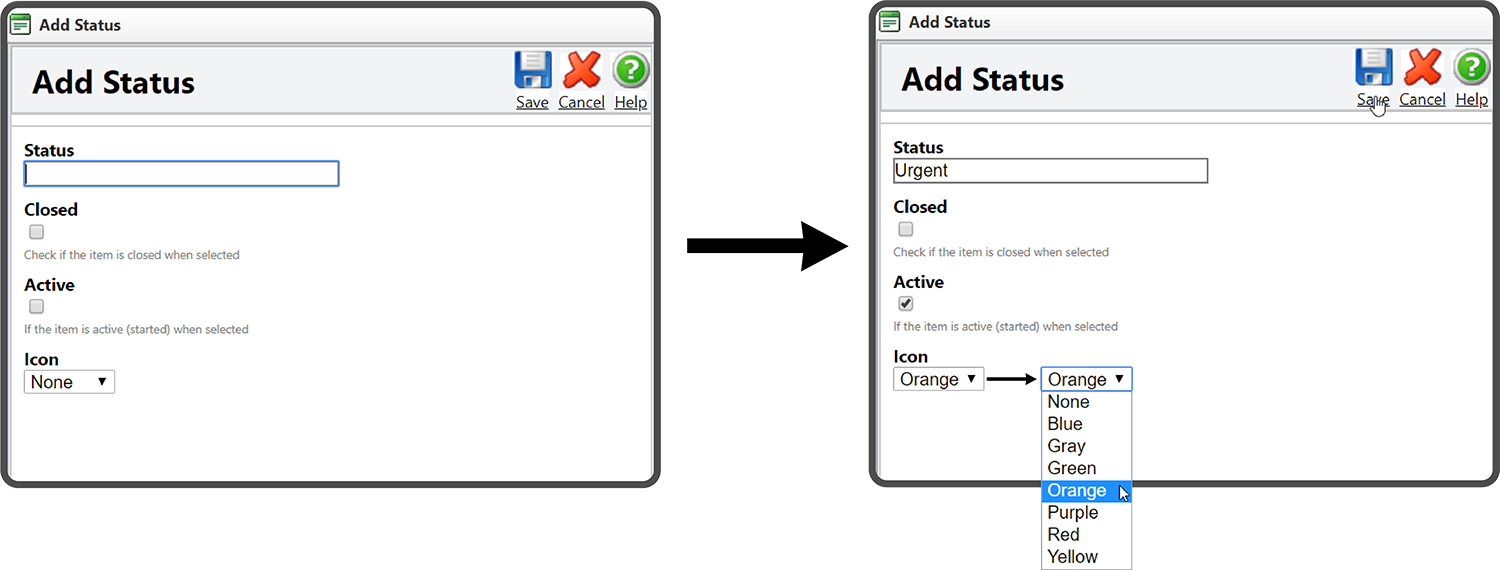
This will open the Add Status window. Enter a Status Name, select whether an Item will be Closed when this Status is selected, select whether an Item will be Active when this Status is selected, select the Status Icon, and select the Save Icon  .
.
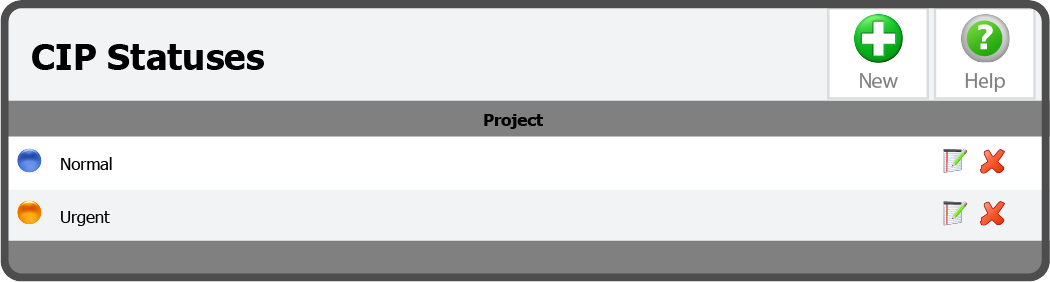
The Status has been added.
 Related Topics